
The quick read
- Separate movement of the camera from movement of the subject.
- Watch the entire clip for unstable objects, identity changes and awkward transitions.
Plan before generating
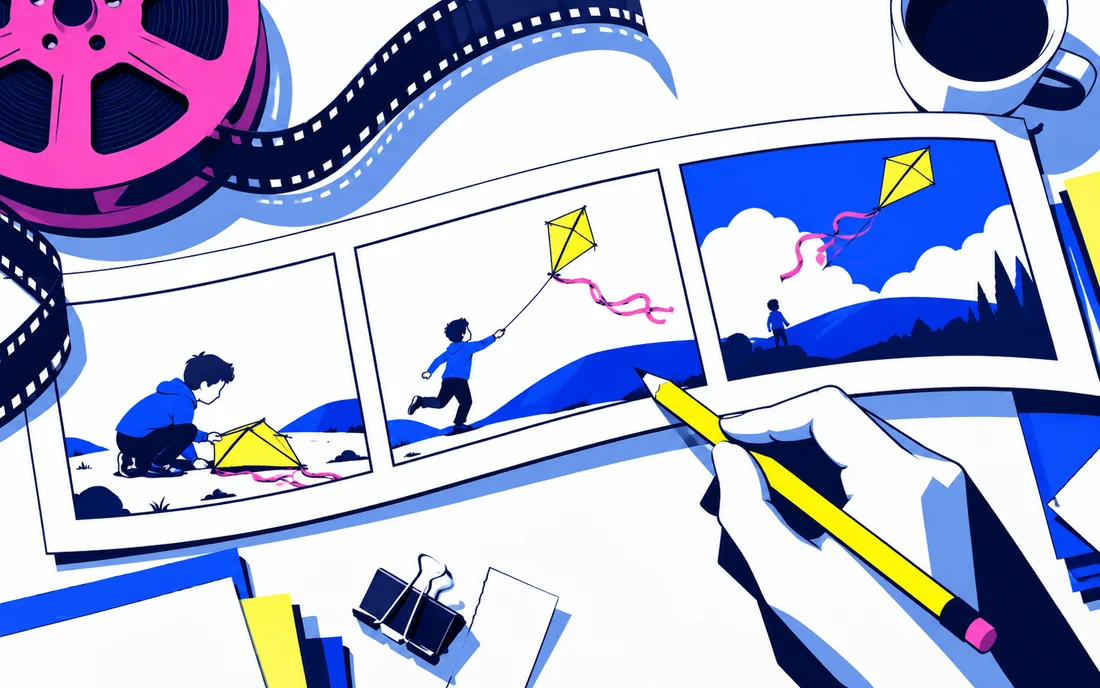
Write the purpose of the sequence and sketch the essential shots. For each, identify the subject, action, camera movement and ending state. A clear shot brief provides something concrete to evaluate when the clip returns.
Keep motion intentional
Separate movement of the camera from movement of the subject. For an illustrative product reveal, a simple camera move may be enough; adding multiple simultaneous actions can make continuity harder to control. Use supported references when they clarify identity or composition.
Edit and inspect
Watch the entire clip for unstable objects, identity changes and awkward transitions. Check whether the start and end fit the adjacent shots. Treat sound, captions and factual labels as separate production elements requiring review. Verify current model features and output conditions in Runway’s documentation. The goal is footage that works in an edit, not just a striking frame. A storyboard helps keep the generation process tied to the story you intended to tell.
Sources & notes
Source-based guide, not a hands-on product test. Features and availability can change.
runwayml.com — official reference
Sources reviewed for the September 2026 launch edition.